

- Three new features could be coming to Google Photos, as spotted by Android Authority
- One of the new features includes a new photo album organizing tool that could save you time when sorting out a large number of images
- Google Photos is also tipped to bring two photo editing features, including a new face retouch effect, and a tool that’s popular on Instagram Stories
It appears that Google Photos is going through another stage of evolution, and this time the company is focussing on editing and organization tools.
Despite not knowing when these features are set to go live, we have Android Authority to thank for their intricate teardowns that have allowed for some of the new changes to be enabled, which the outlets has provided visual insights to.
Three new upgrades could be coming to the Google Photos app soon, including a new photo album organizing function. But Google’s main focus is on photo-editing tools – one of which adopts a striking resemblance to one of Instagram’s most-used functions.
1. Instagram-inspired text options

Just like you can add words to Instagram Stories and Reels in various styles, Google is testing an option that will allow you write text in a selection of new fonts, and add it to photos and videos. Android Authority discovered this in version 7.49 of the Google Photos Android app.
Although the option to add text to media in Google Photos has been around for a while, there are limitations with font styles and colors. This new upgrade gives you more control, and more creative freedom with new text styles and elaborate color choices.
In Android Authority’s teardown, images reveal that the new font styles will have new names including ‘Classic’, ‘Elegant’, ‘Bold’, and ‘Script’ – bearing a resemblance to Instagram’s font titles but with a slight difference.
Its updated menu also introduces a plethora of new color options, meaning you can choose from a wide palette instead of having to choose from the current seven basic hues. At the moment, there’s no automatic color suggestions, or an eyedropper feature to select a color from the image itself, but we’d imagine this will be added in the future.
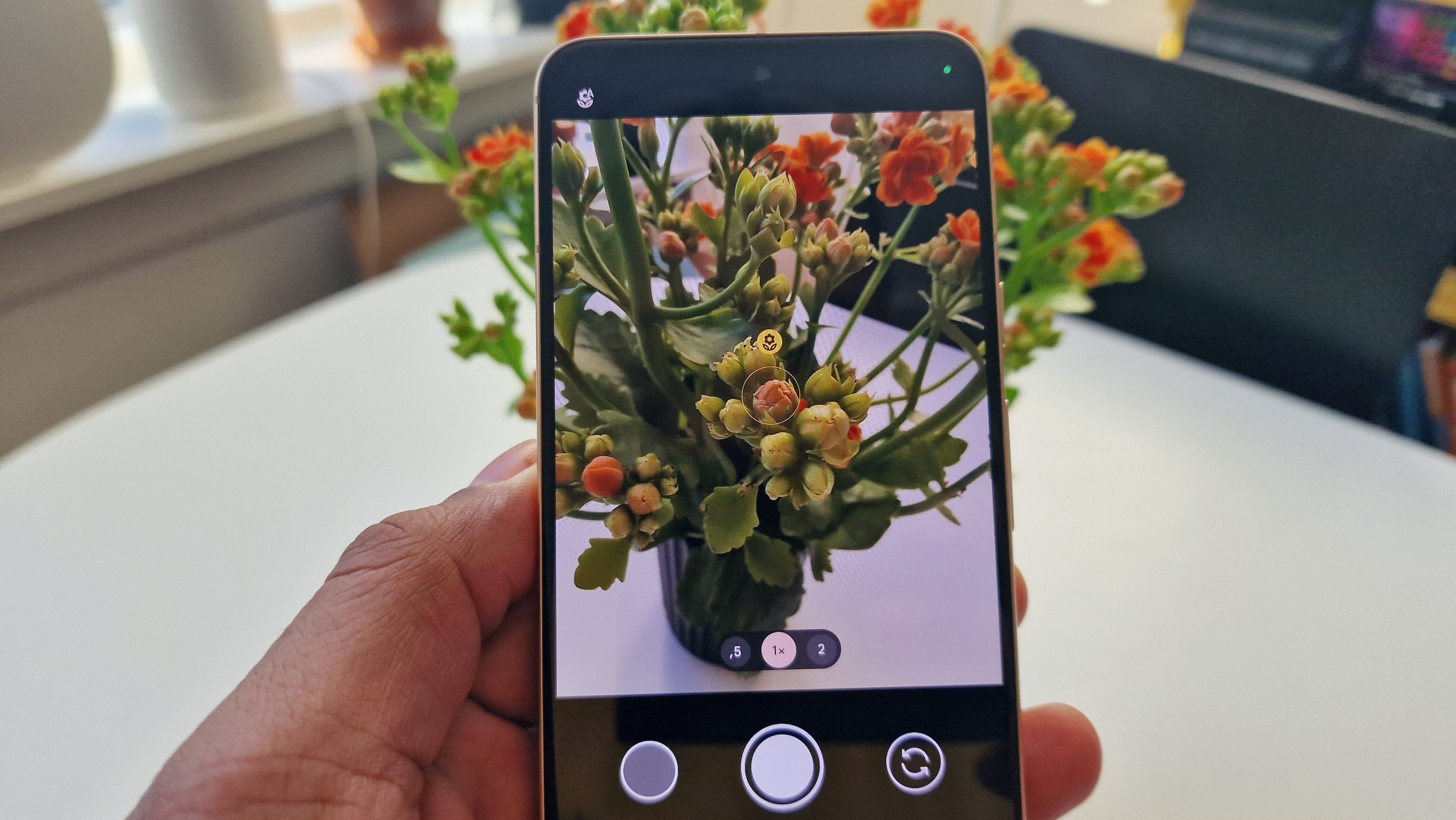
Unsatisfied with the limited editing options in Google Photos? That could change soon, as Google seems to be testing new retouching settings.
The current version of Google Photos gives you a number of basic photo editing effects and filter options, but in a world where smartphone photography is becoming more popular, users want more editing freedom to target specific aspects. This where Google Photos could be introducing a new face retouching effect.
There’s already a similar function in the Camera app, but again, it has a lot of limitations and only works for images taken in selfie and portrait modes. These new editing options haven’t been seen in action just yet, however Android Authority has spotted several text strings that point to the new editing tool, including phrases such as ‘blemish’, ‘teeth’, and ‘dark circles’ – seemingly referring to specific facial retouching settings.
3. An easier way to organize your albums
Grouping your photo library media into individual albums is tedious work, especially if you have thousands of random photos floating around. But fear not, there could be a solution on the way.
In the latest version of Google Photos, Android Authority has managed to enable a new feature that displays a new chip that appears when you view a photo you’ve added to any of your albums. When you tap the chip it will take you to the album the photo is in, but if it’s in more than one album a dropdown menu will appear showing you all the places where you can find the image.
Instead of navigating a photo’s information page to locate its album, the new setting brings that right to the front, making it easier for you to filter between your photo albums. It could save you bags of organizing time for sure.
Follow TechRadar on Google News and add us as a preferred source to get our expert news, reviews, and opinion in your feeds. Make sure to click the Follow button!
And of course you can also follow TechRadar on TikTok for news, reviews, unboxings in video form, and get regular updates from us on WhatsApp too.